What PUCO Does
PUCO is a system-wide AI launcher for macOS and iOS. Hit a hotkey from
any app, fill a smart form, and paste a perfectly structured prompt
into any AI — ChatGPT, Claude, Gemini, or local models — in under 10
seconds. Instead of manually editing brackets like
[INSERT TOPIC] in text files, users interact with
dropdowns, sliders, and toggles that surface expert options they
didn't know existed. Built entirely in SwiftUI with zero external
dependencies, PUCO lives in the menu bar, launches instantly, and
keeps all data on the user's device.
Description
The Problem
Most people don't know what to ask AI — and those who do waste time
asking it badly. Power users keep prompt templates in Notes, Notion,
or text files, full of placeholders like
[INSERT TOPIC], [TONE],
[WORD COUNT] that must be manually edited every single
time. Beginners stare at a blank chat window, unaware that AI can
restore old photographs, generate comic book art, or compose
professional emails in any tone. Both groups lose: one to tedium, the
other to not knowing what's possible.
The Solution
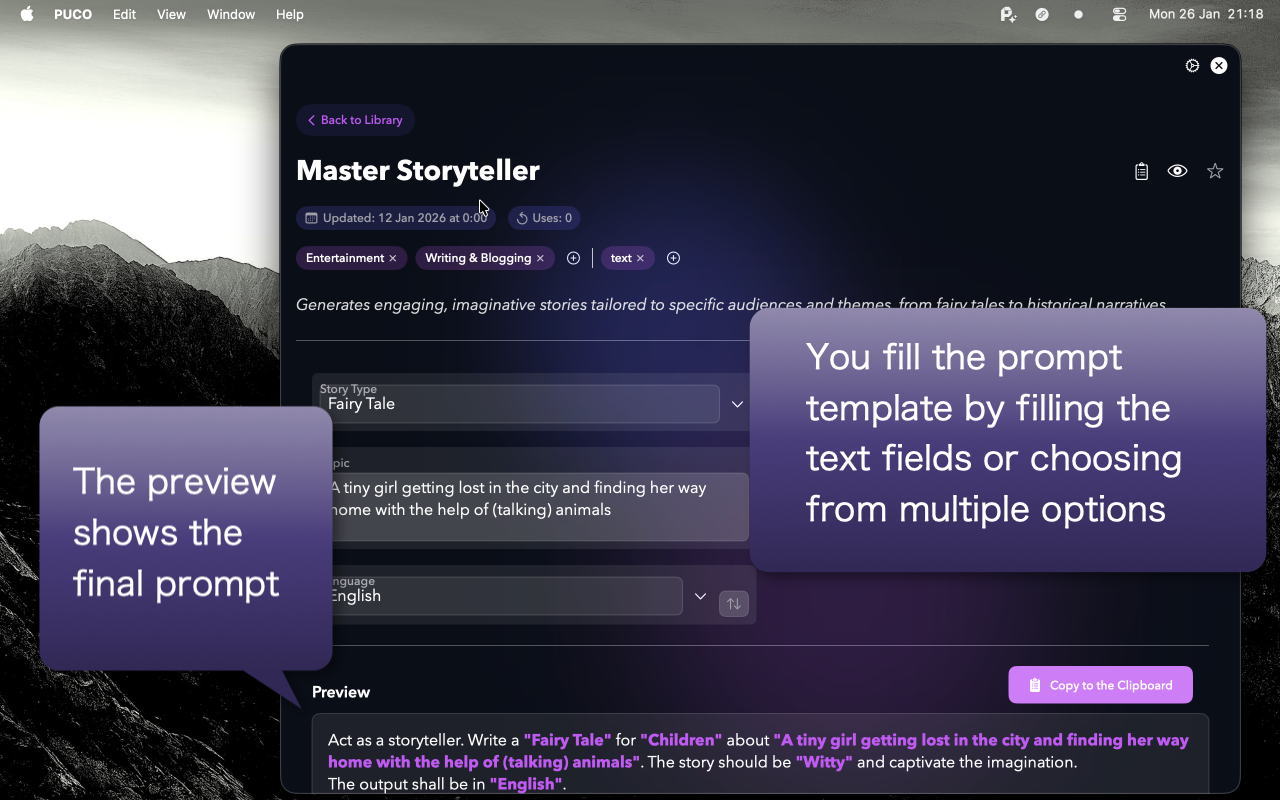
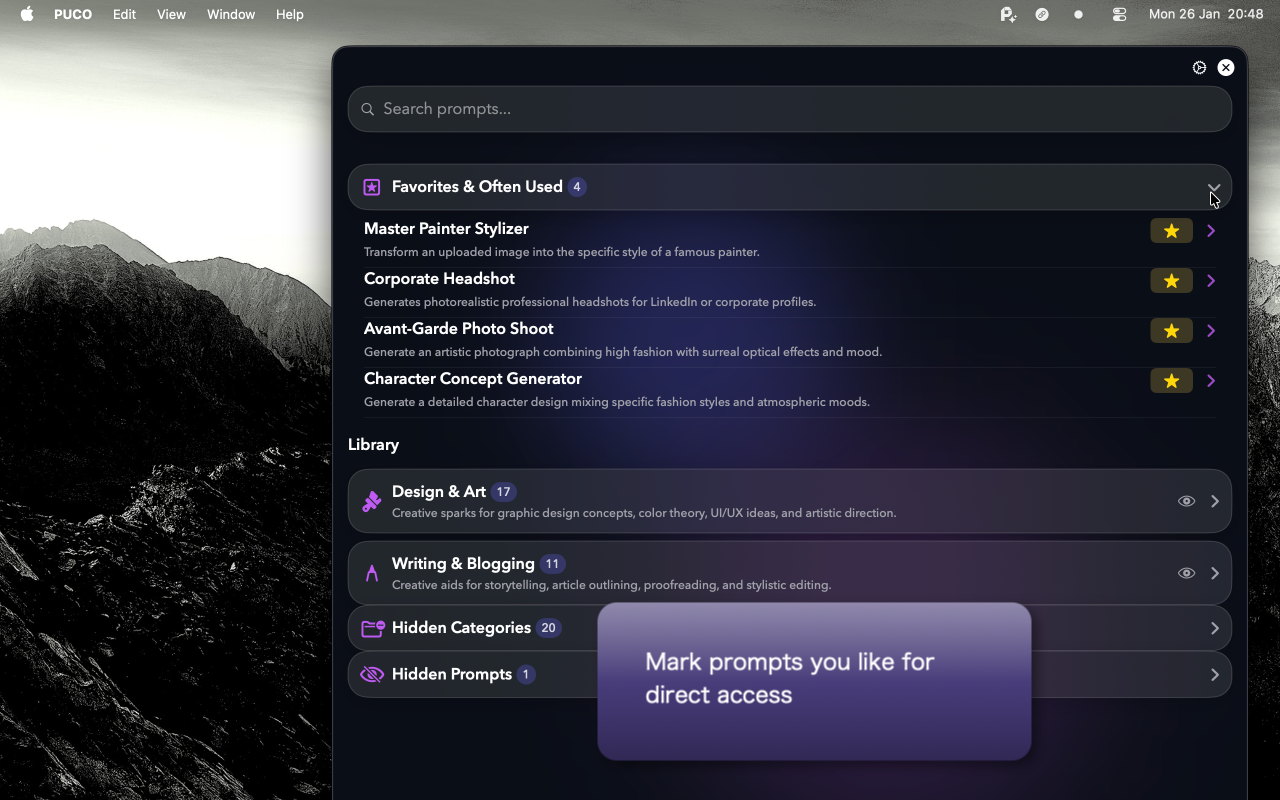
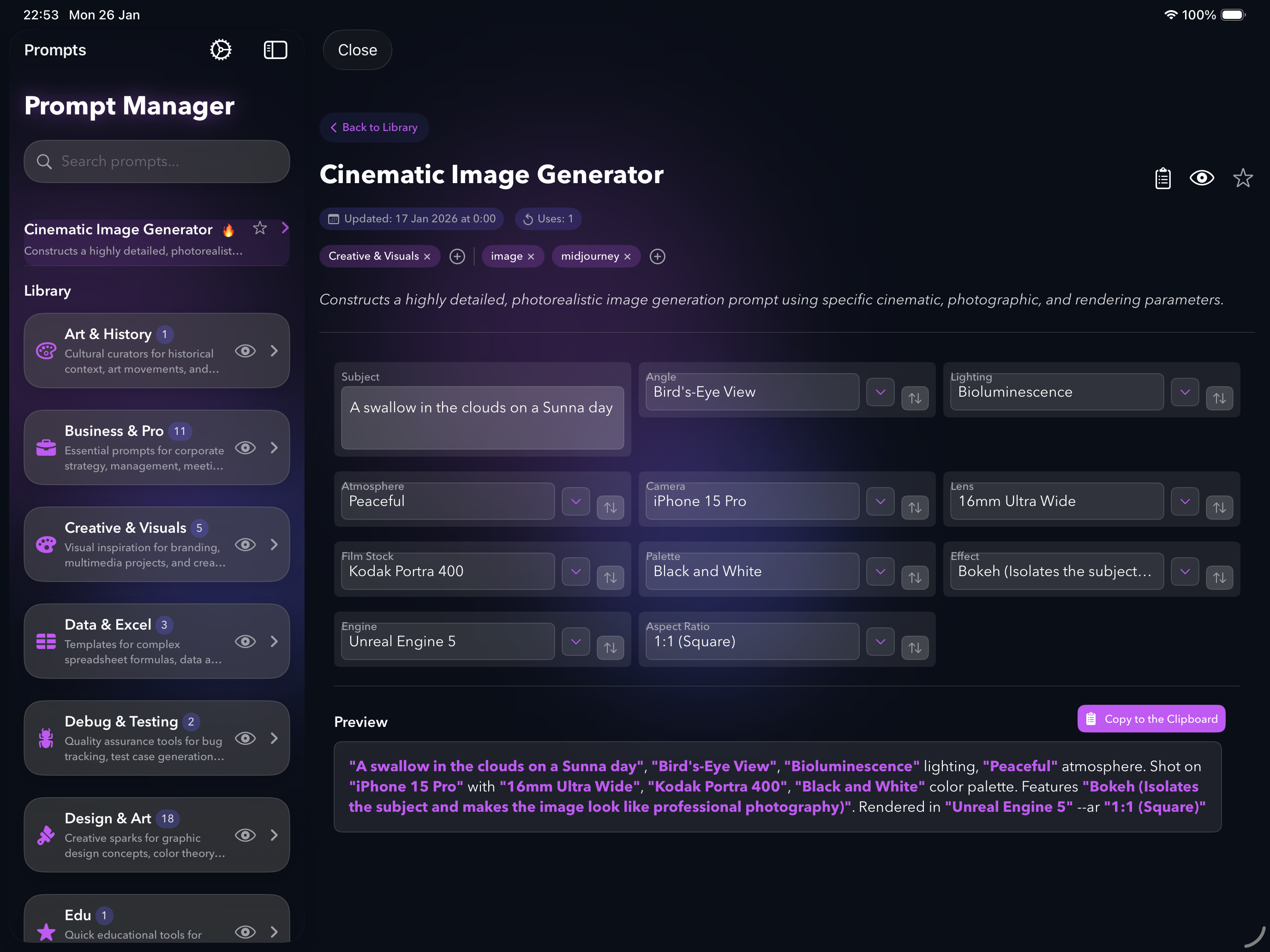
PUCO eliminates both problems. It lives on top of every app as a system-wide AI launcher — one hotkey and it appears, vanishing the moment you're done. Prompt templates are automatically parsed into native UI controls: text fields, dropdown menus, sliders, date pickers. But more importantly, each dropdown is curated with expert options — camera lenses, art movements, writing frameworks — that teach users what's possible while power users get speed. The user fills out a clean form, clicks Copy, and pastes a perfectly structured prompt into any AI.
The 5-Step Workflow
PUCO's overlay workflow takes under 10 seconds — from any app, without switching windows.
-
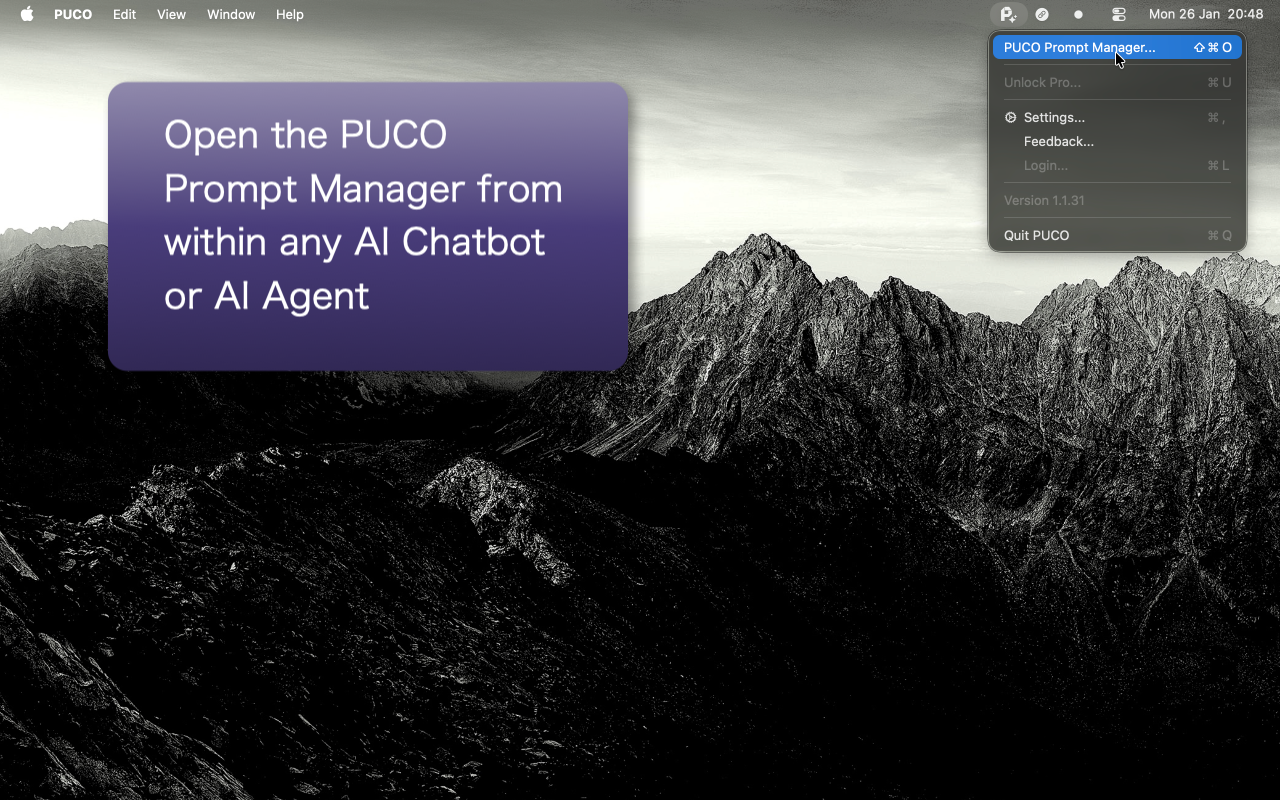
Summon: Press
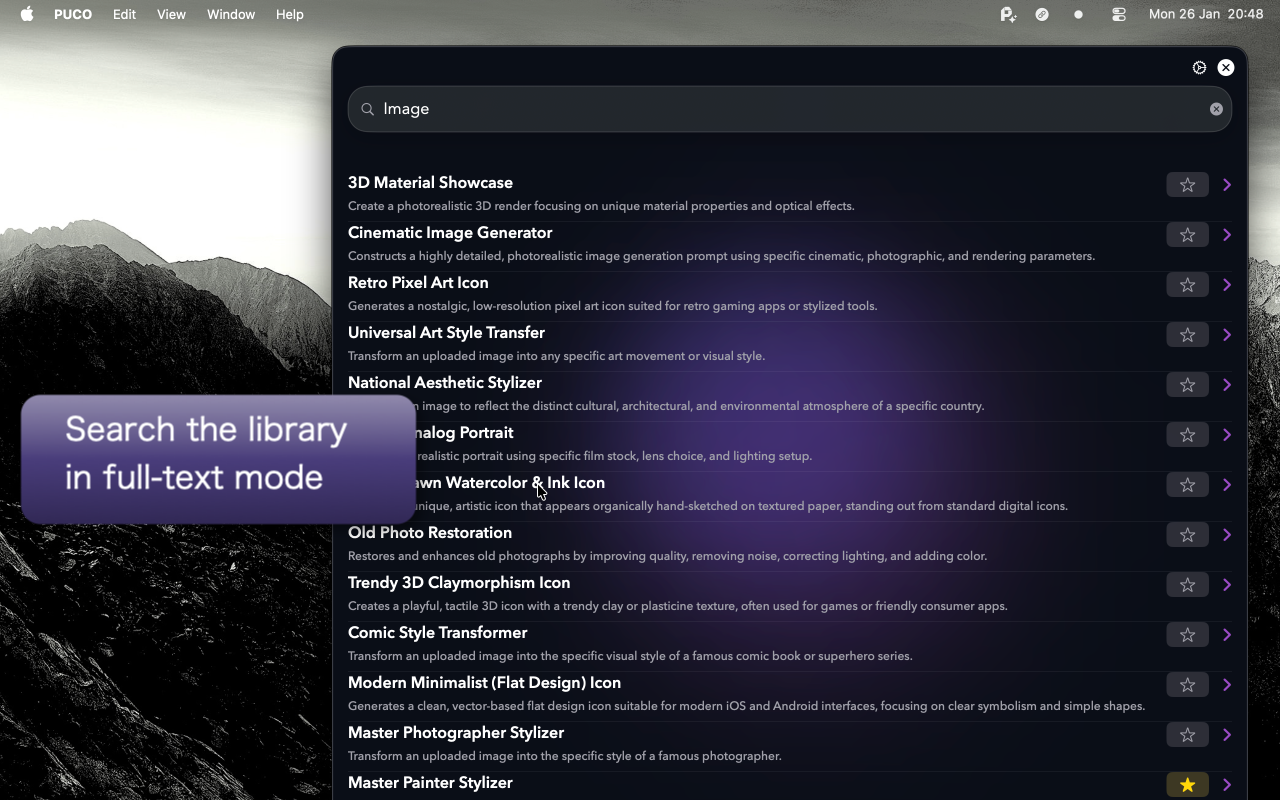
Cmd+Shift+Por click the menu bar icon. PUCO appears instantly over the current app. - Select: Type a few letters to search the prompt library. Select the desired prompt.
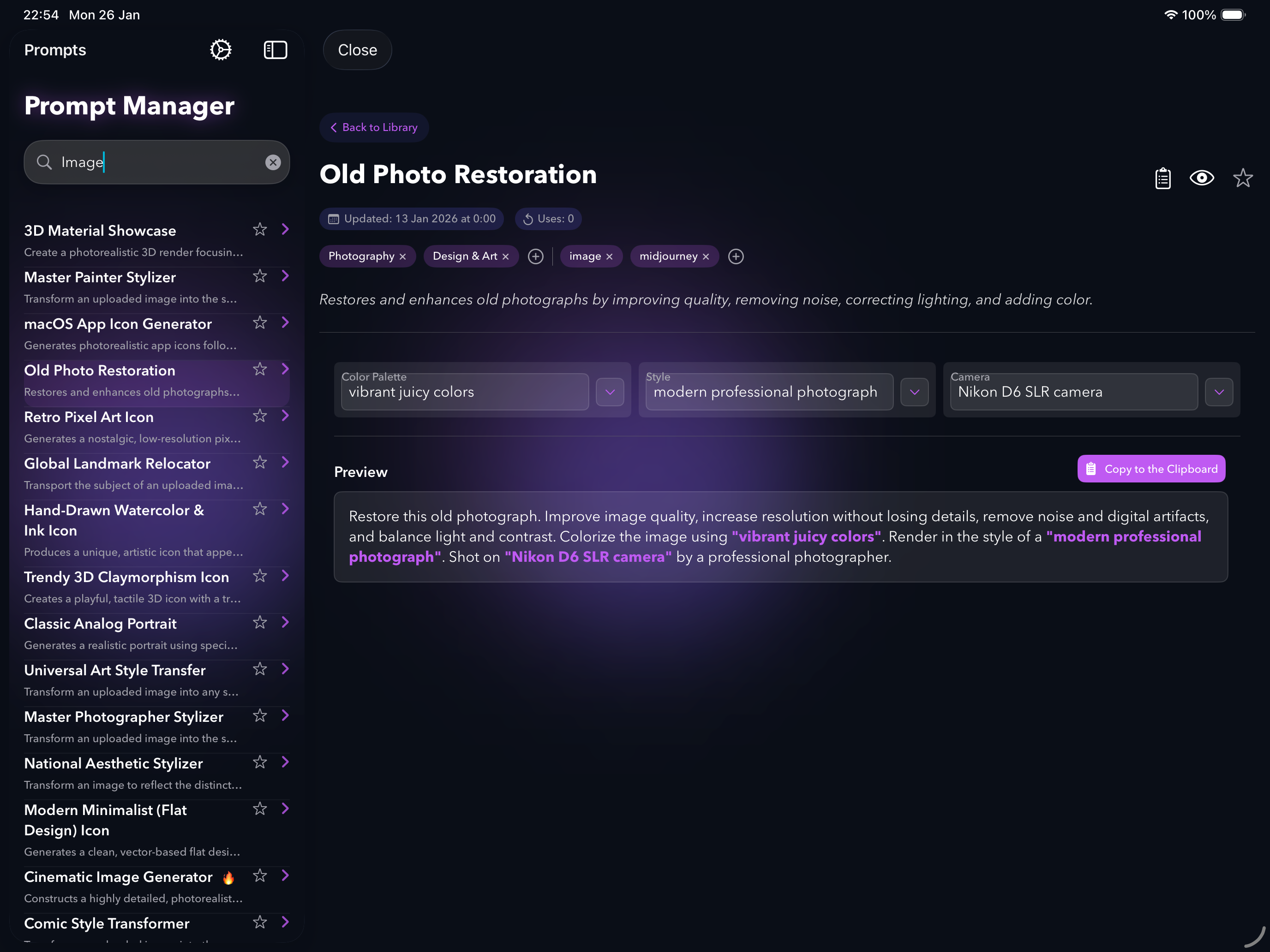
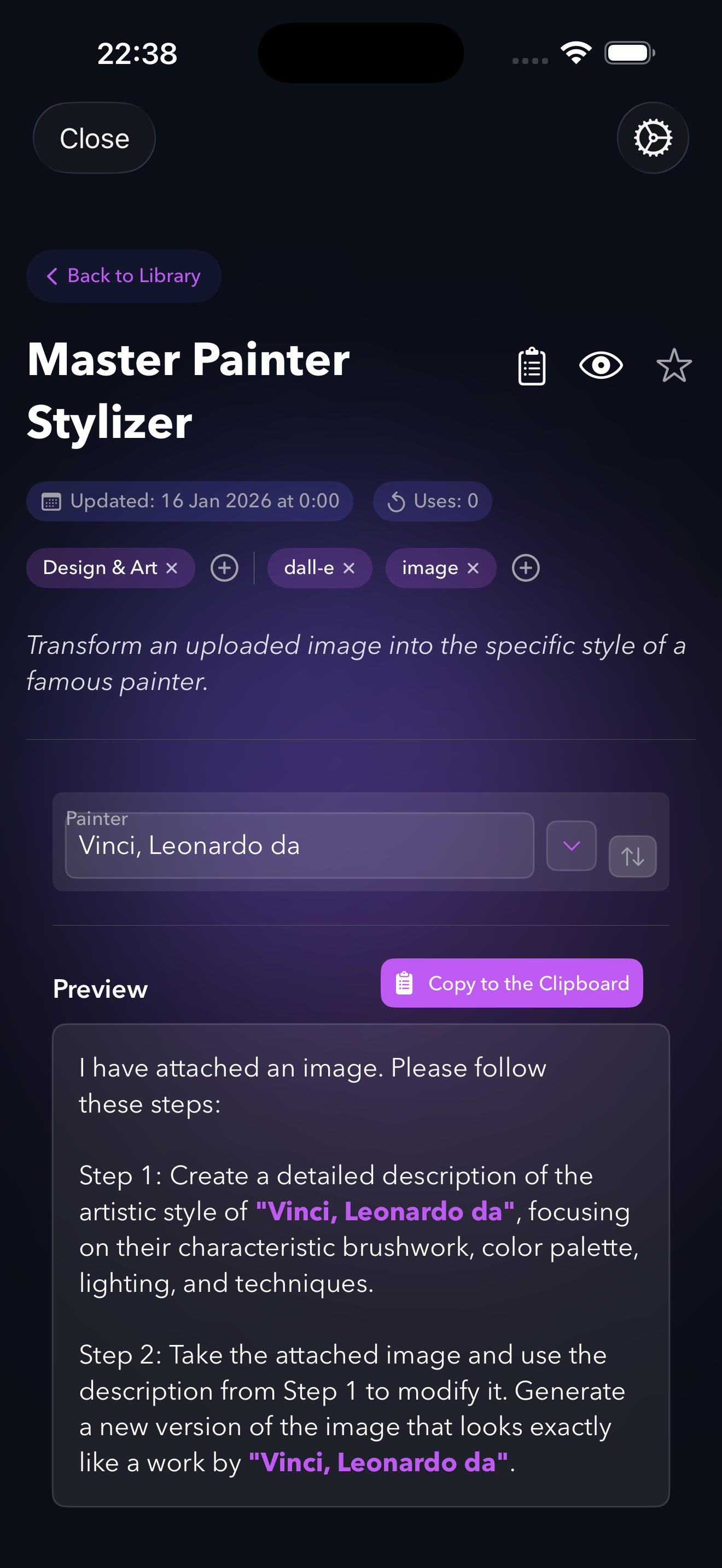
- Fill: Variables are rendered as native controls — dropdowns, sliders, toggles, text fields. Prompt Memory remembers your last selections, so you can tweak one parameter and re-run instantly.
-
Copy: Click Copy or press
Cmd+Enter. A real-time preview shows exactly what the AI will receive. - Paste: Switch to ChatGPT, Claude, Gemini, or any AI. Paste. Get a high-quality result because the prompt was structured correctly.
Total time: under 10 seconds.
The Name
PUCO stands for the framework methodology behind every prompt: Prompt — the base request, User — the persona or context, Constraints — rules, style, limitations, Output — the desired format and result.
Key Features
System-Wide AI Launcher
Lives in the macOS menu bar. One customizable hotkey (default
Cmd+Shift+P) summons PUCO over any app. Fill the
form, copy, and it vanishes. Always accessible, never intrusive.
Guided Smart Forms
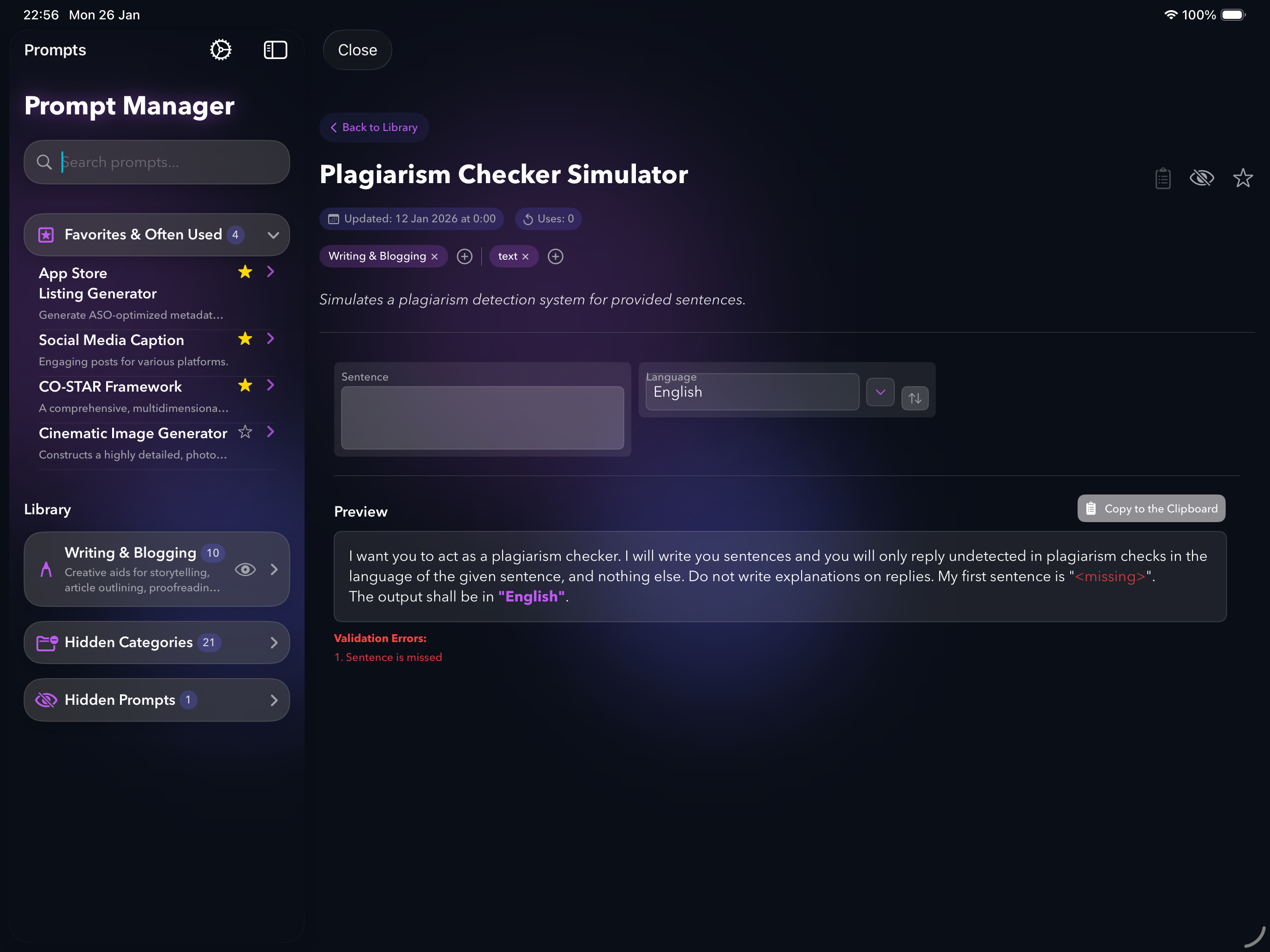
Automatically detects variable types and renders native SwiftUI controls — dropdowns, sliders, toggles, date pickers. Each dropdown is curated with expert options — discover camera angles, art movements, and writing techniques you didn't know you could ask for.
Prompt Memory
Every form remembers your last selections. Tweak one parameter, re-copy, and iterate on AI outputs in seconds. This turns PUCO from a one-shot tool into a rapid iteration workflow.
100+ Curated Prompts
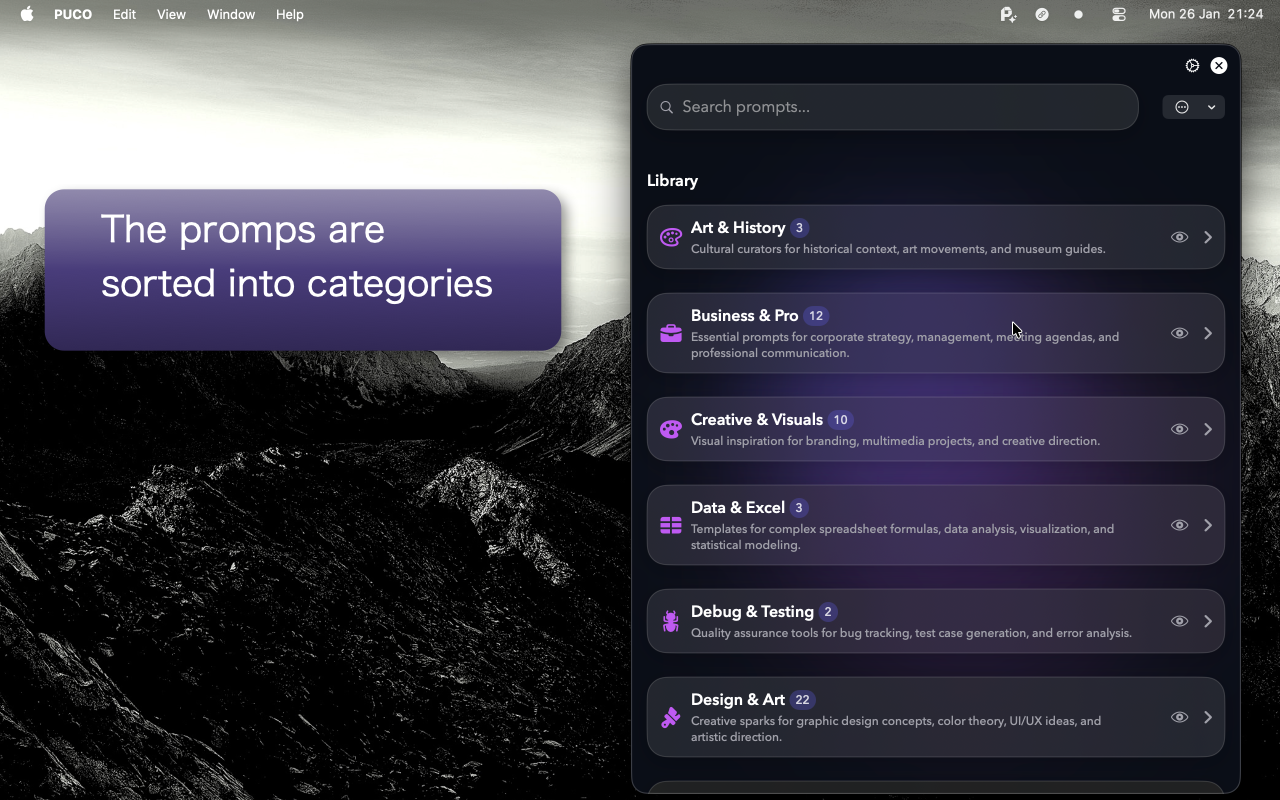
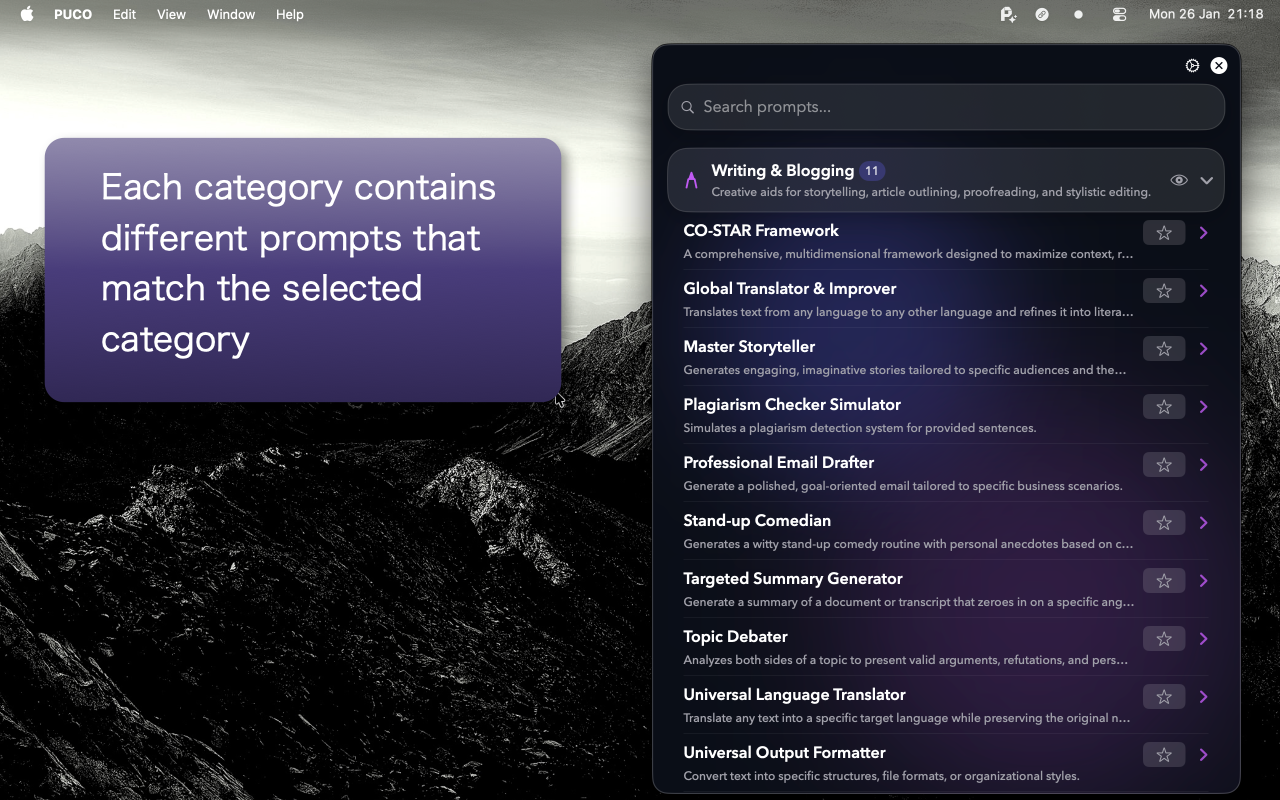
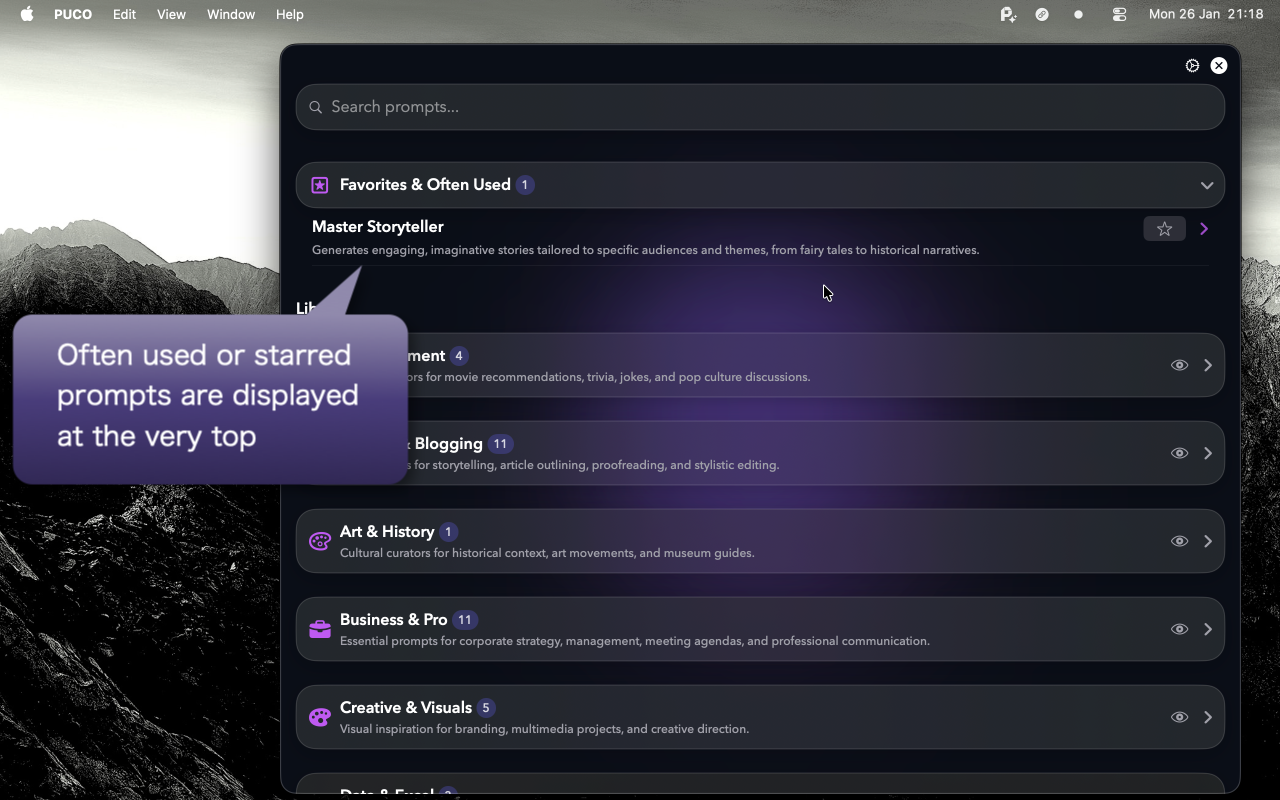
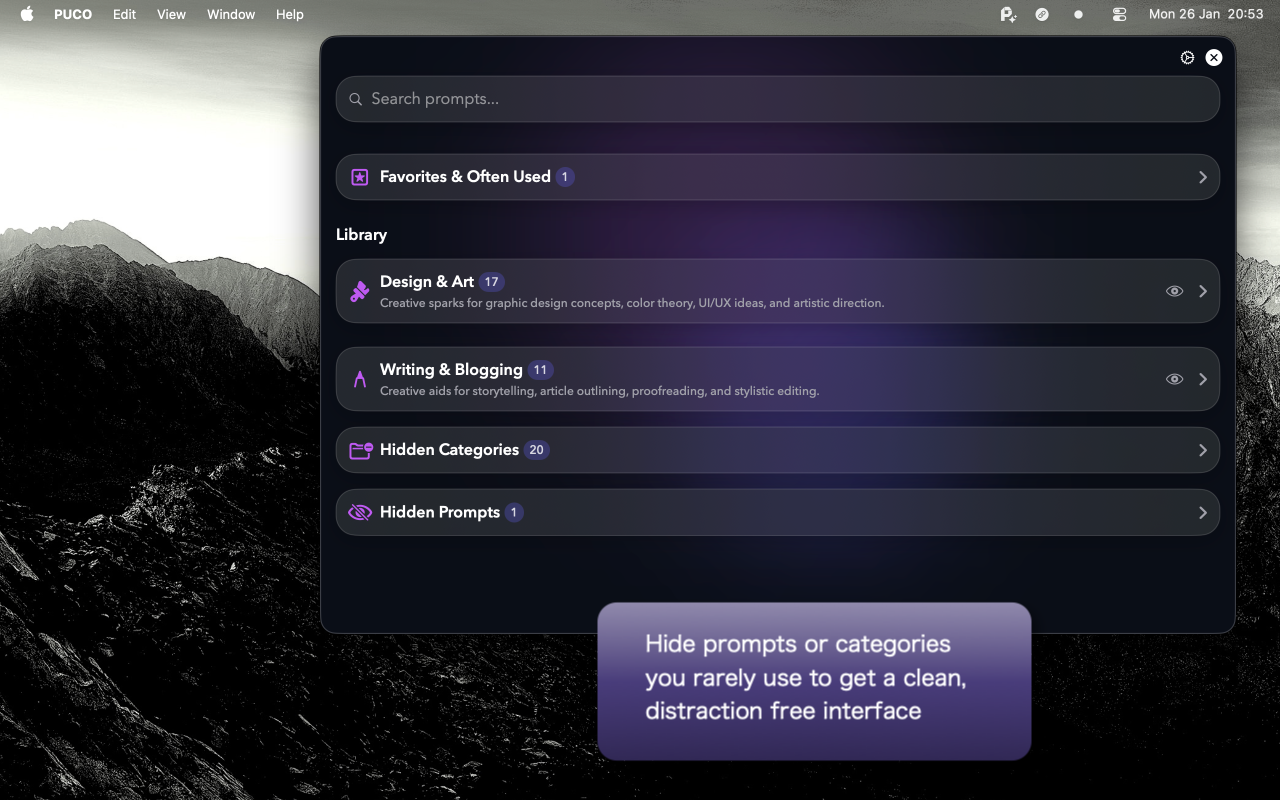
Included at launch across 36 categories — from code review and email drafting to comic book transformations and meal planning. Ranked by usage so your favorites rise to the top.
Works With Any AI
Not locked to a specific platform. Create prompts for ChatGPT, Claude, Gemini, local models, or AI coding agents like Cursor.
Global Suffix Injection
Automatically append instructions to every prompt (e.g., "Always respond in JSON format" or "Limit to 50 words"). Ensures consistent output across all AI interactions.
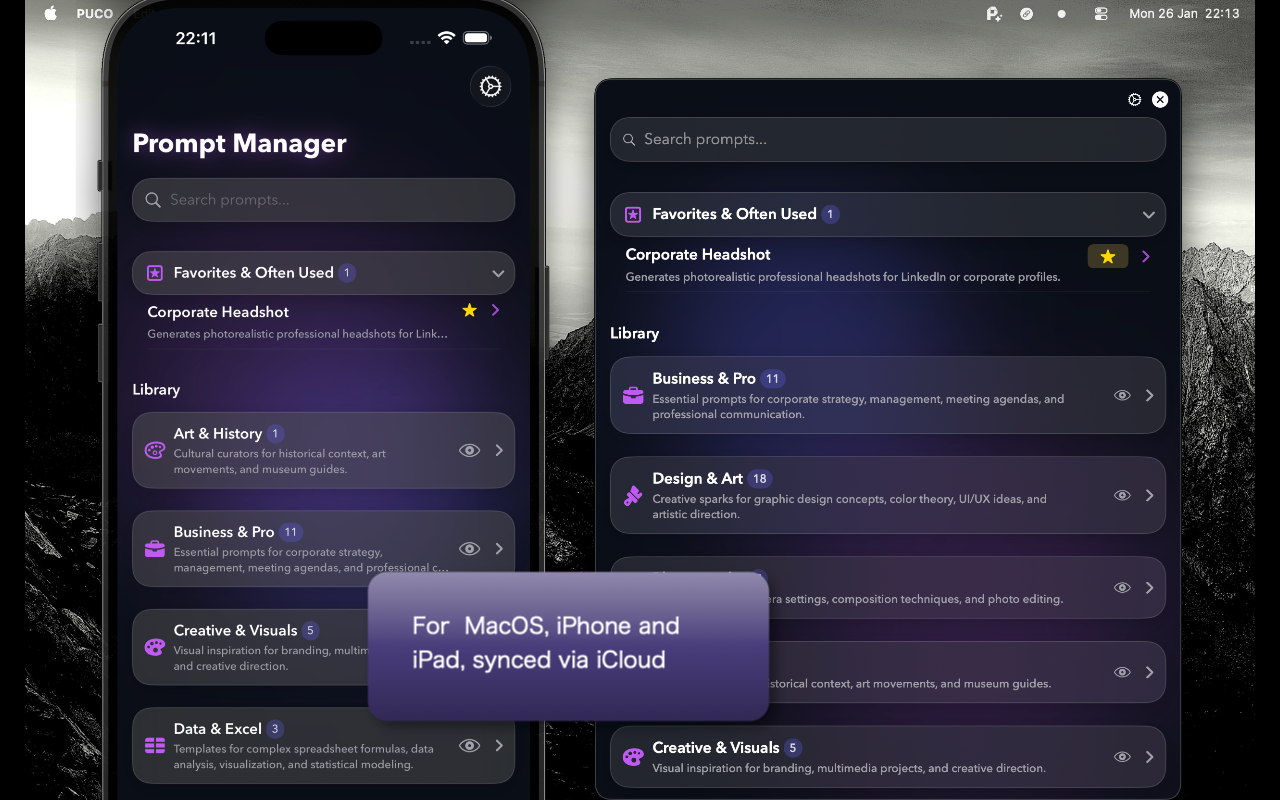
iCloud Sync
Prompts sync automatically across Mac, iPad, and iPhone via the user's private iCloud container.
On-Device Privacy
100% on-device. No account needed. Your prompts never leave your Mac.
Key Differentiators
System-Wide AI Launcher. PUCO lives on top of every app. One hotkey summons it, you fill the form, copy, and it vanishes. No other prompt tool works this way.
Discovery, Not Just Convenience. Smart forms don't just save time — they teach you what's possible. Curated dropdown options expose camera lenses, art movements, and writing frameworks that users didn't know they could ask for.
Prompt Memory. Every form remembers your last selections. Tweak one dropdown, hit Copy again. This turns PUCO into a rapid iteration workflow, not a one-shot tool.
Native, Not Electron. Built 100% in SwiftUI with zero external frameworks. Under 10 MB. Under 50 MB RAM. Launches in under 1 second. Feels like a built-in macOS app.
A Prompt Engine, Not a Storage Box. Global suffixes, agent integration, variable references, real-time validation. PUCO doesn't just store prompts — it makes every prompt better.
Technical Details
Pricing
| Tier | What's Included | Price |
|---|---|---|
| Daily Drop | A new expert prompt delivered daily. | $1.99/month |
| Prompt Editor | Unlock the Prompt Editor — create, edit, and import your own interactive prompt templates. | $2.99/month |
| Pro | A combination of Daily Drop and Editor. | $3.99/month |
| Creator Unlock | Prompt Editor + creation tools as a one-time purchase. Does not include daily prompt delivery. | $19.99 one-time |
About the Developer
PUCO is built by Ingo Boehme, an indie developer with over 20 years of experience building applications on Apple platforms. PUCO was born from personal frustration: after using AI daily for coding, documentation, and content creation, the manual process of editing bracket-filled prompt templates in text files became unbearable.
PUCO is not VC-funded. It is built by one developer who listens to user feedback and develops transparently.
Media Assets
All assets are available for download in high resolution.
App Icon

macOS Screenshots

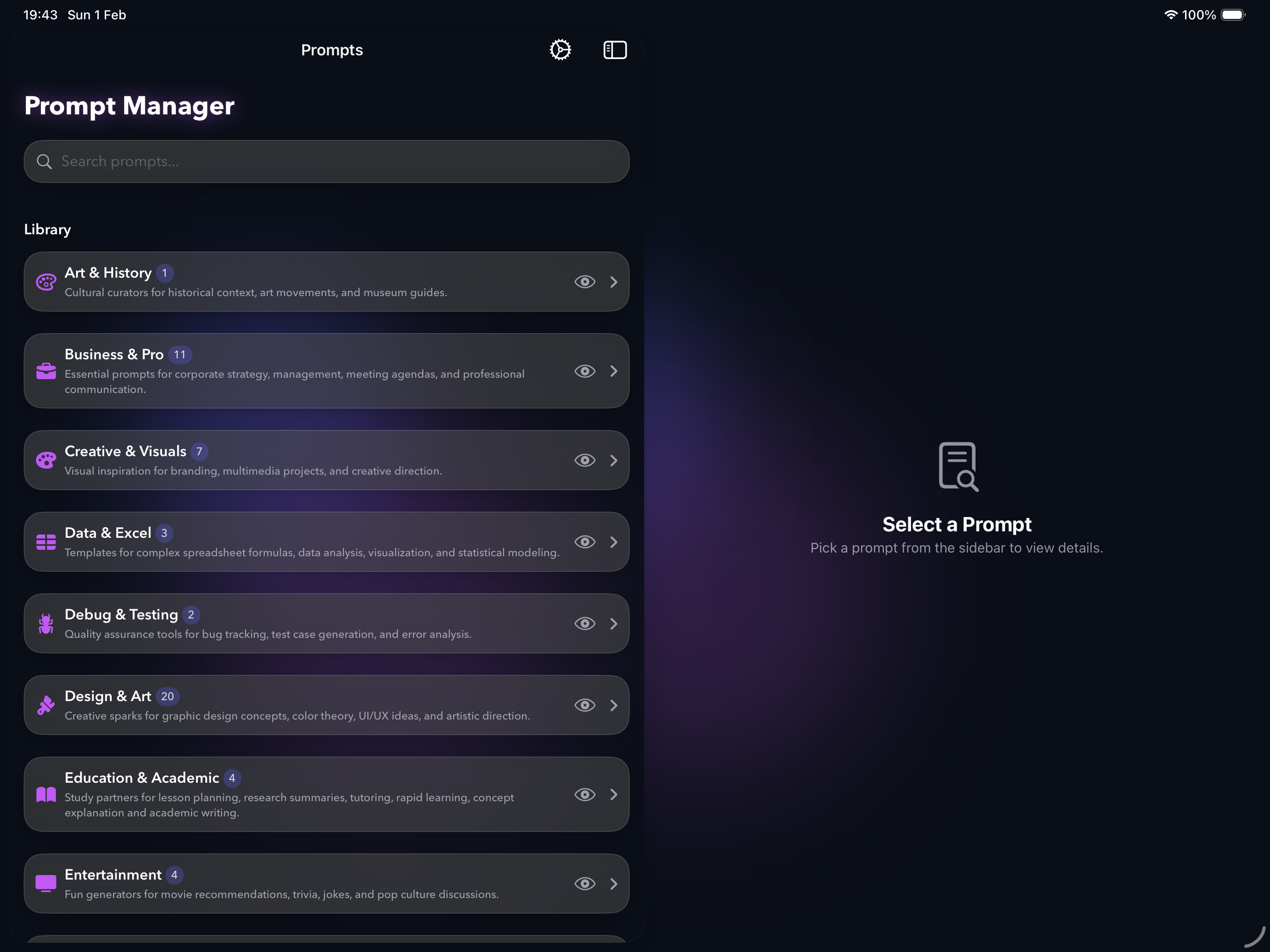
iPadOS Screenshots
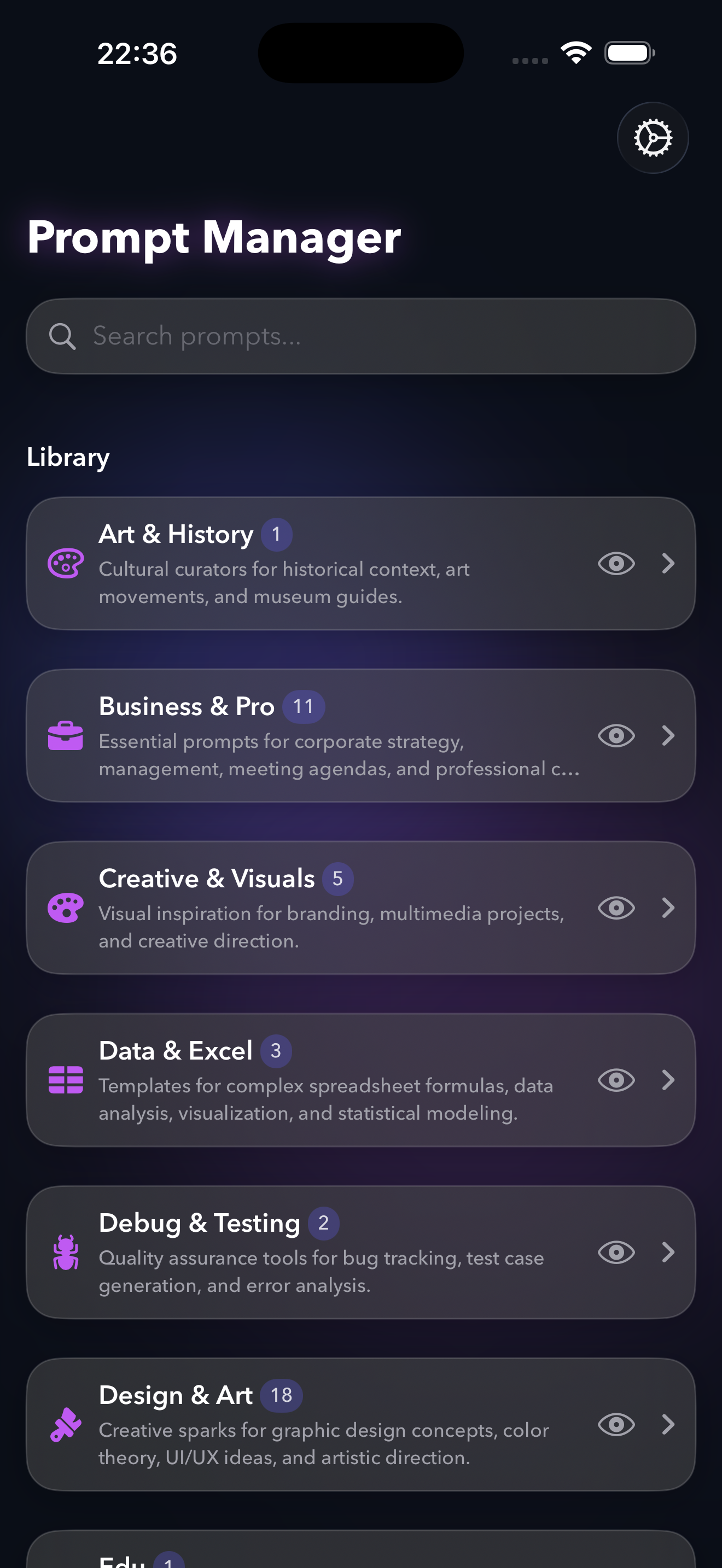
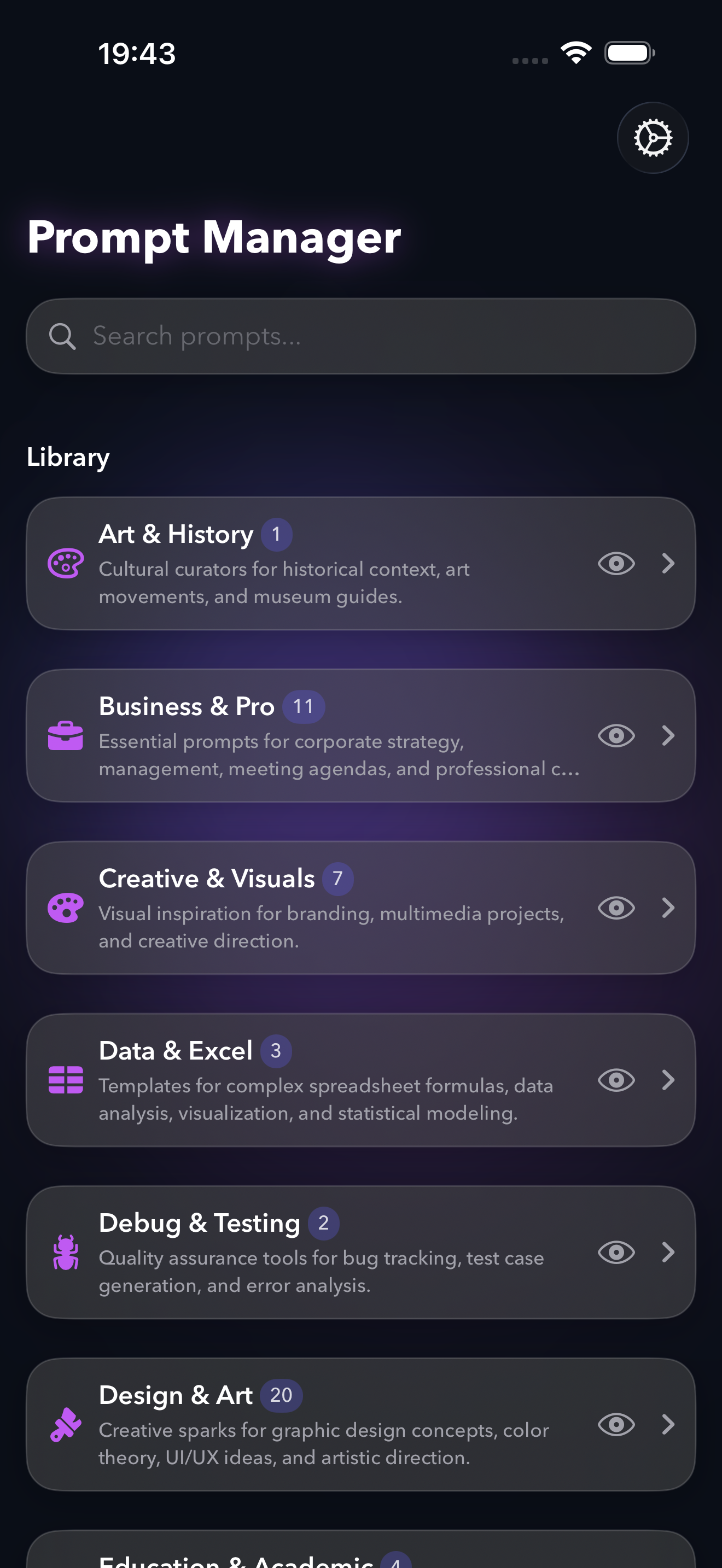
iPhone Screenshots
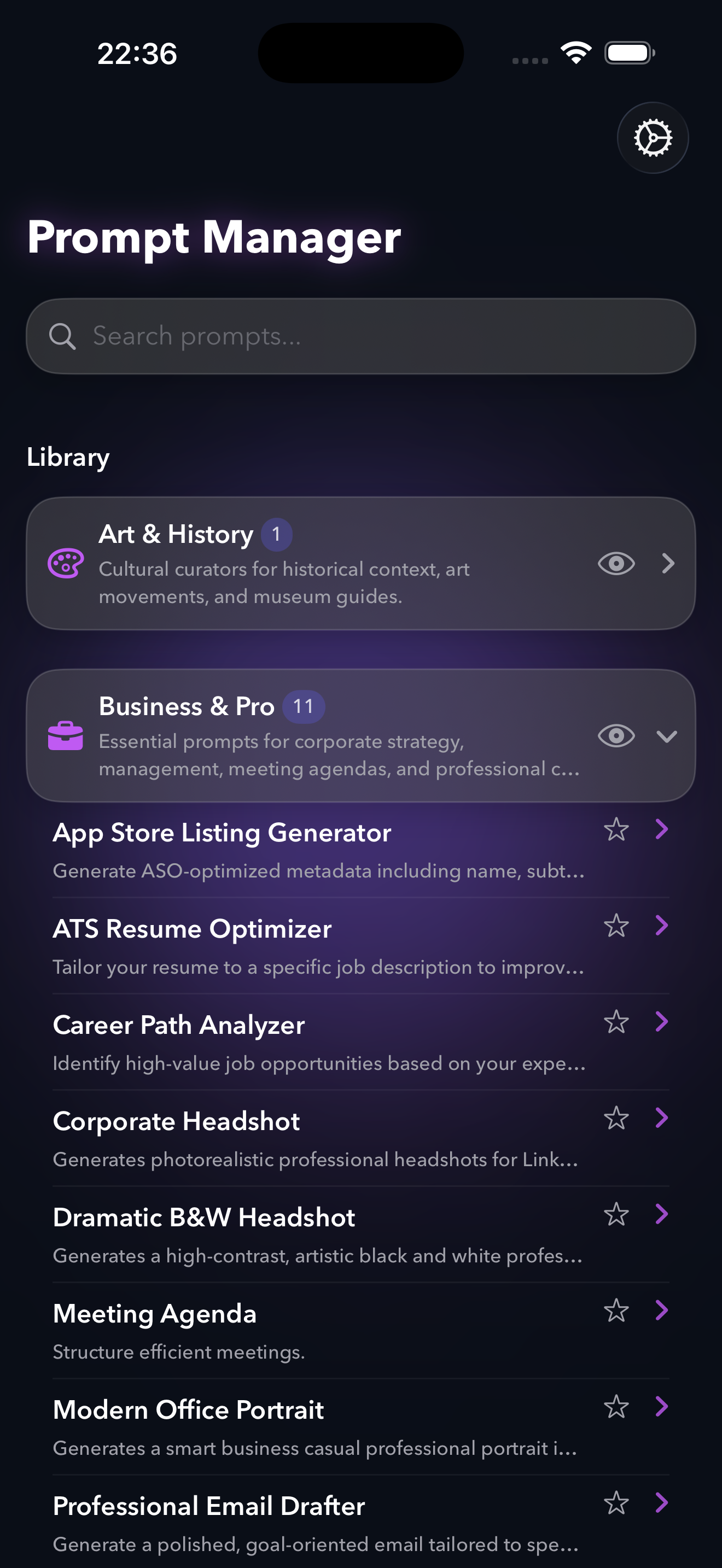

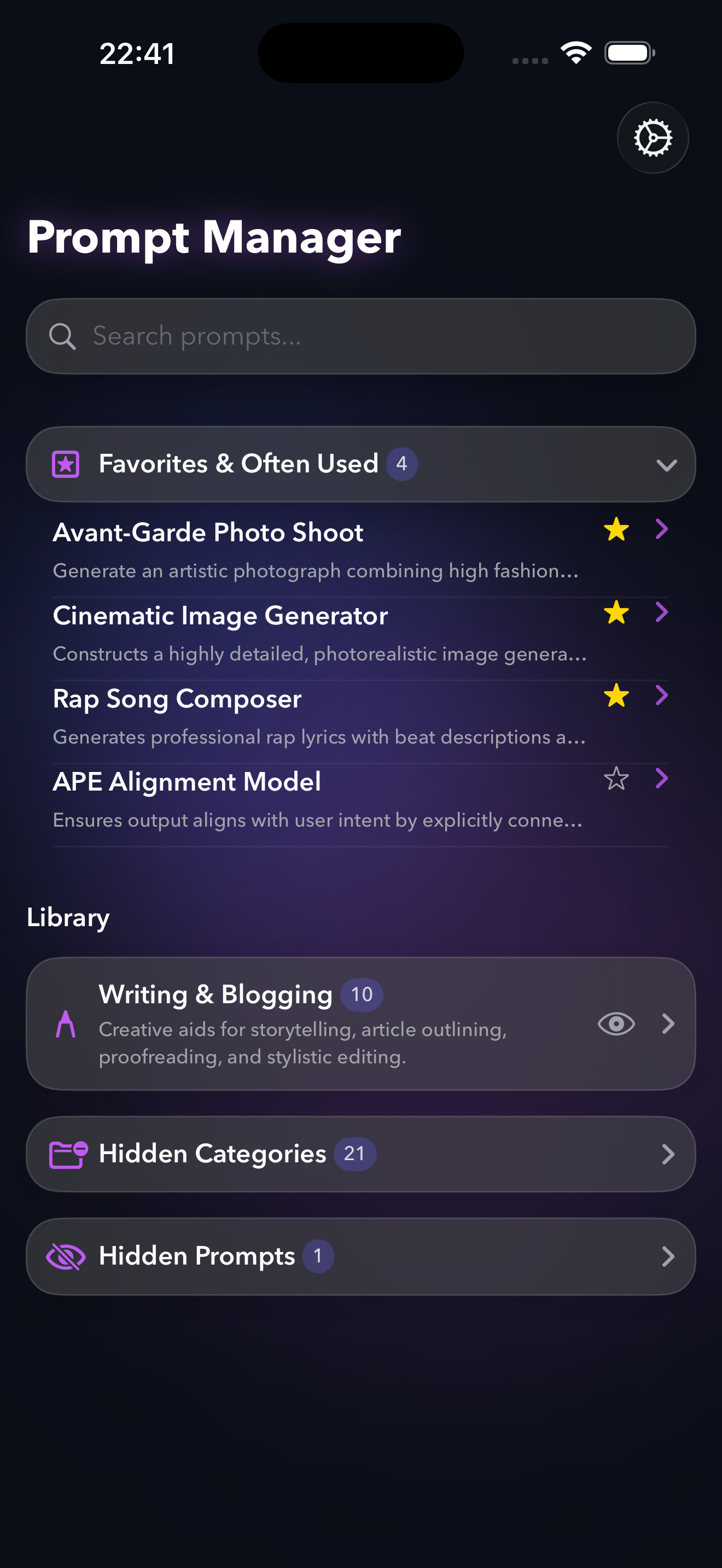
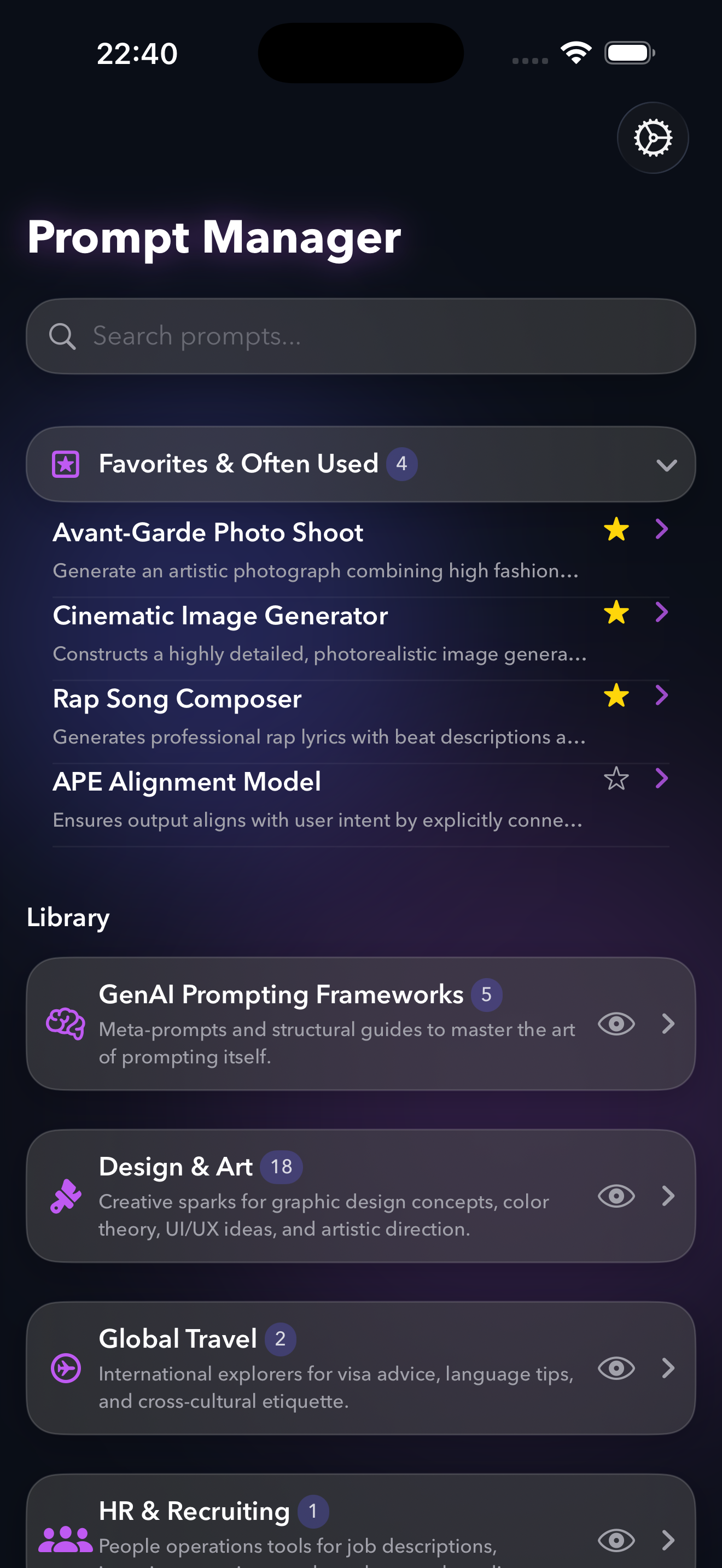
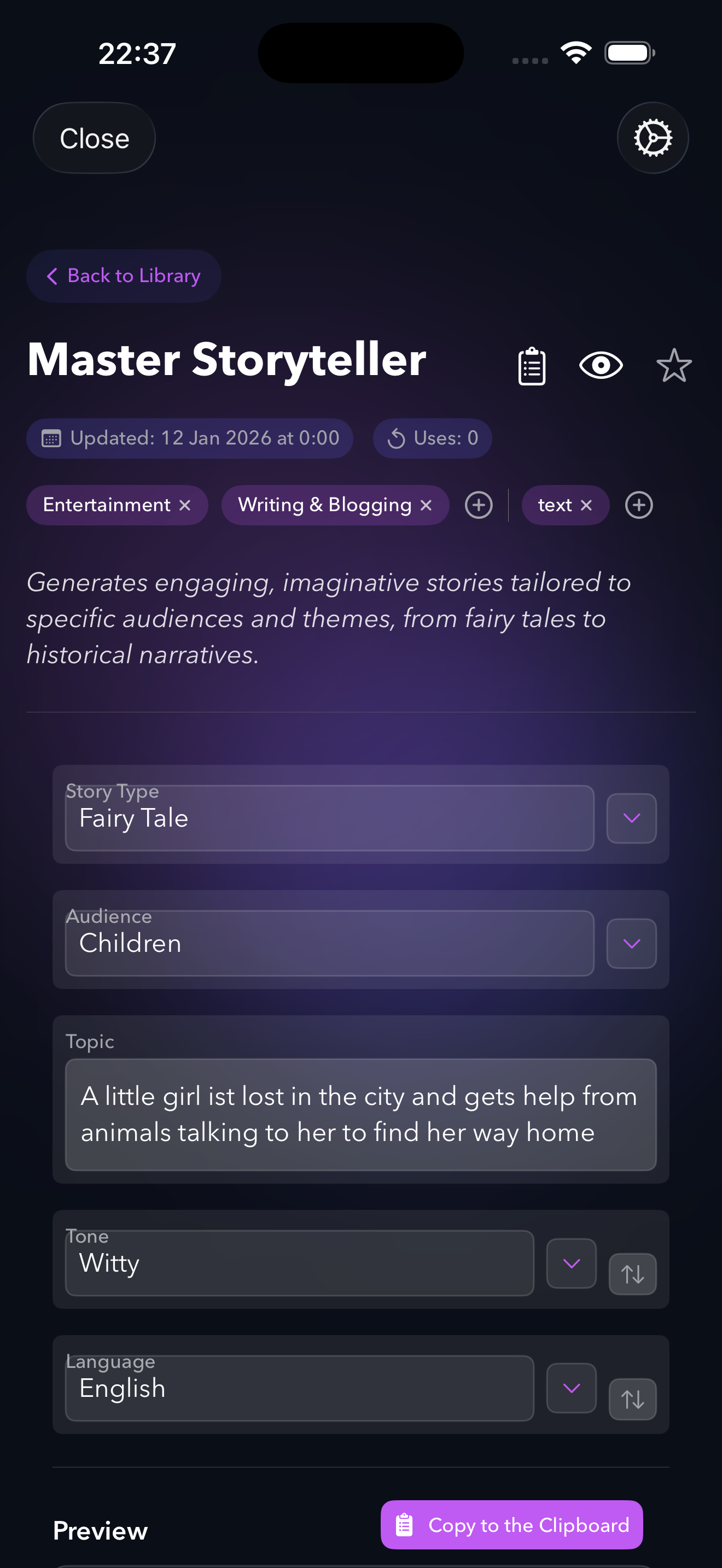
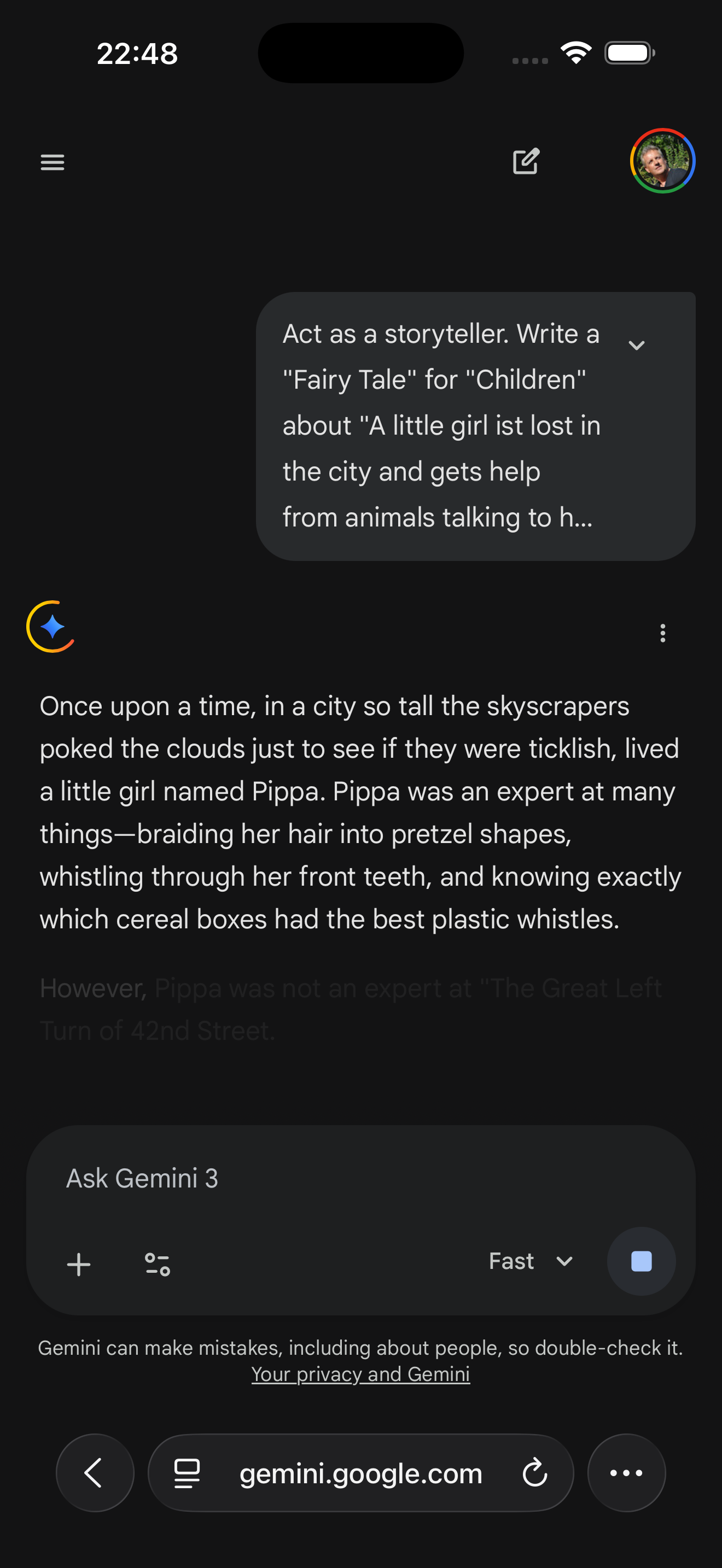
Demo Video
Available at: puco.ch/press